
Before you automate approvals, design what happens when nobody replies
The happy path is easy to draw. Useful business automation also needs deadlines, accountable owners and a safe way to handle exceptions.
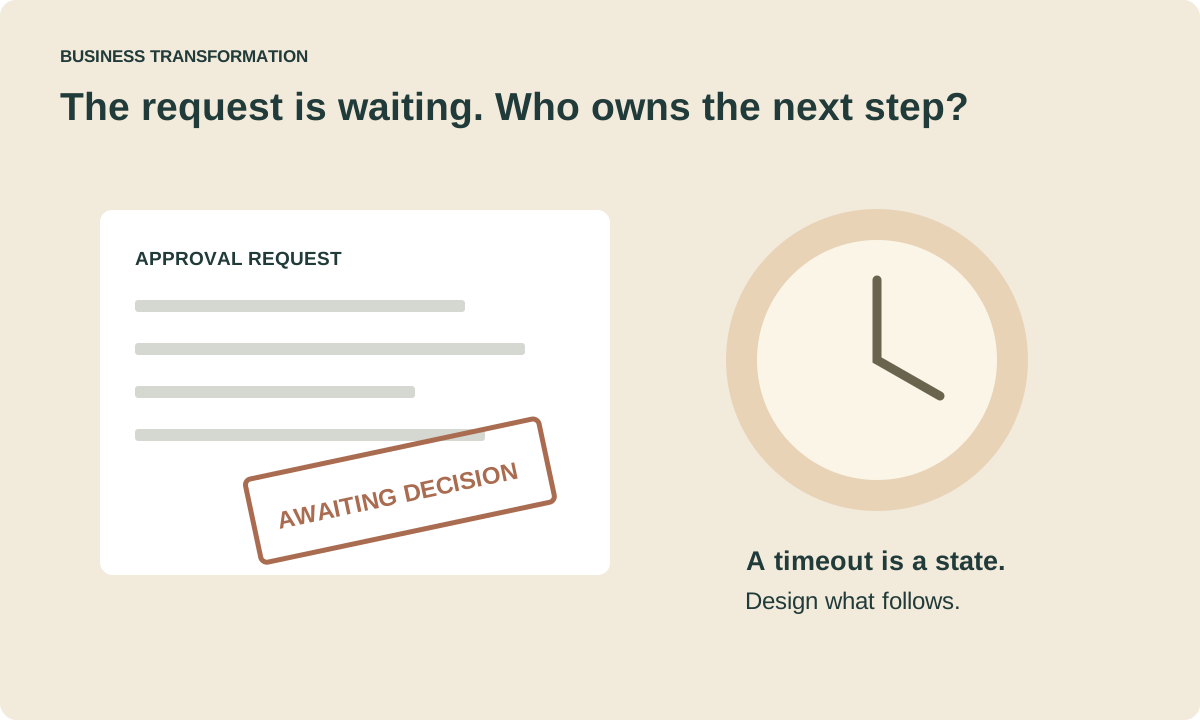
An unanswered request is still a process state
A workflow can send every notification correctly and still leave a customer waiting. When the approver is away, the request is incomplete or an external system fails, a neat sequence of automated steps becomes an unresolved business problem.
Microsoft Power Automate supports approval workflows that combine automated routing with human decisions. Its documentation shows how a flow can act on approval outcomes. That capability is useful, but it does not decide your organization’s delegation rules or who owns a request that stops progressing.
Write down the decision before drawing the flow
Name the person accountable for the business outcome, then define what is being approved. Is the approver confirming accuracy, authorizing expenditure or accepting a risk? Those are different decisions and may require different evidence and authority.
Our recommendation is to specify the minimum information required to make that decision. Reject incomplete submissions early with a clear explanation. Avoid sending a request through several teams when nobody has checked whether the required evidence is attached.
Keep policy and implementation separate. The rule for who may approve should be reviewable by the process owner; it should not exist only as a condition buried inside a flow designer.
Design the paths people usually leave off the diagram
Microsoft documents approval modes with different completion behavior, including scenarios where everyone must approve. Choose the behavior because it matches the policy, not because it is the first available action.
- Rejection: does the request end, return for correction or enter a separate review?
- No response: who receives an escalation, and when? Silence should not imply approval unless the policy explicitly permits it.
- Absence: who can reassign the decision, and what evidence records the change?
- Duplicate submission: how is the existing request identified before another downstream action runs?
Before configuring the flow, agree the exception behavior below. These are process-design recommendations; they are not automatic guarantees provided by an approval connector.
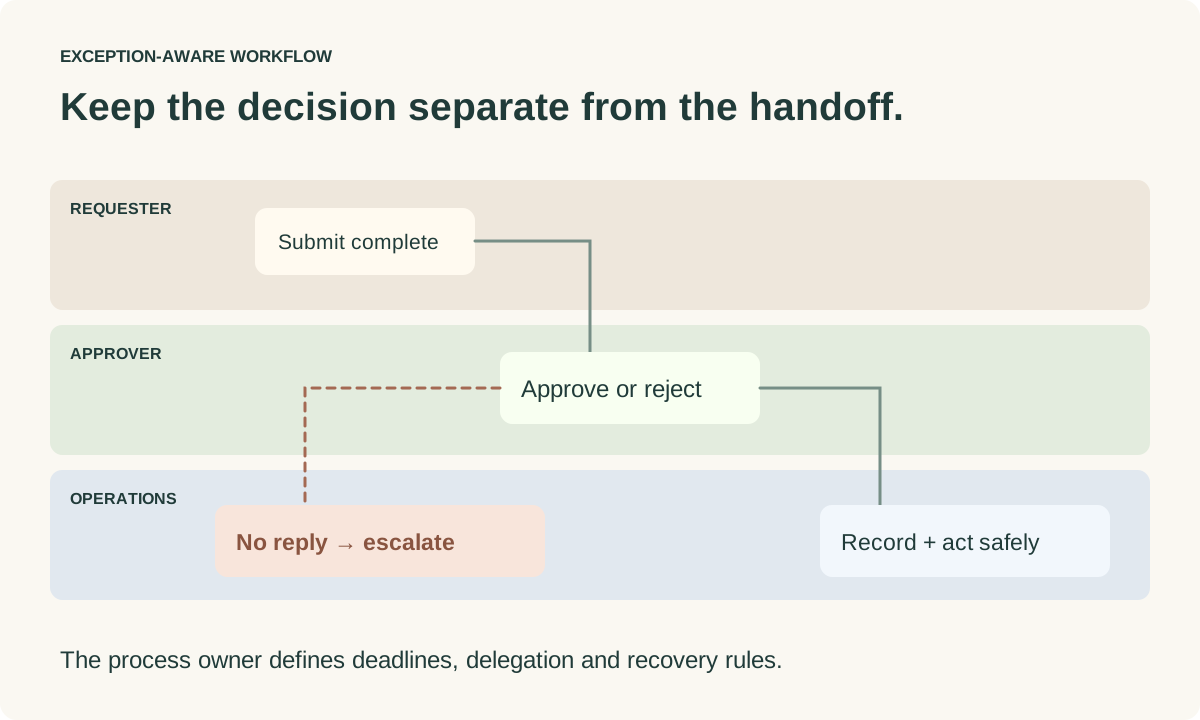
Make the handoff to other systems recoverable
An approval and its downstream action are not necessarily one transaction. A request can be approved while an update to another system fails. If the workflow retries blindly, the same purchase, notification or record update could happen twice.
For important actions, our recommendation is to carry a stable request identifier through each handoff. Record whether the action is pending, completed or needs intervention. Reconcile ambiguous outcomes before repeating a non-repeatable operation.
Use supported connections and appropriate permissions for the systems involved. Confirm who owns the connection and what happens when that account or credential changes. A workflow that depends on an individual employee’s unattended account can become difficult to support after they move roles.
Test with the process owner, not just the flow maker
Run an approved request, a rejected request, an incomplete submission and a request whose approver never responds. Exercise a downstream failure and verify the recovery path. Ask a support person to find the request and explain its state without editing the workflow.
Check that notifications reveal only the information the recipient needs. Keep an audit trail appropriate to the decision, with a deliberate retention policy. The operational record should explain who acted and what happened without becoming an uncontrolled copy of sensitive attachments.
Measure whether people get a decision sooner
Track completion time, time waiting for a decision, rework and requests requiring manual intervention. Count successful business outcomes alongside flow failures. A workflow with many automated actions can still add little value if the approval policy remains unclear.
Begin with a bounded process, compare its behavior with the previous baseline and improve the exception handling before expanding. The goal is a dependable decision process that people understand—not the largest possible flow diagram.